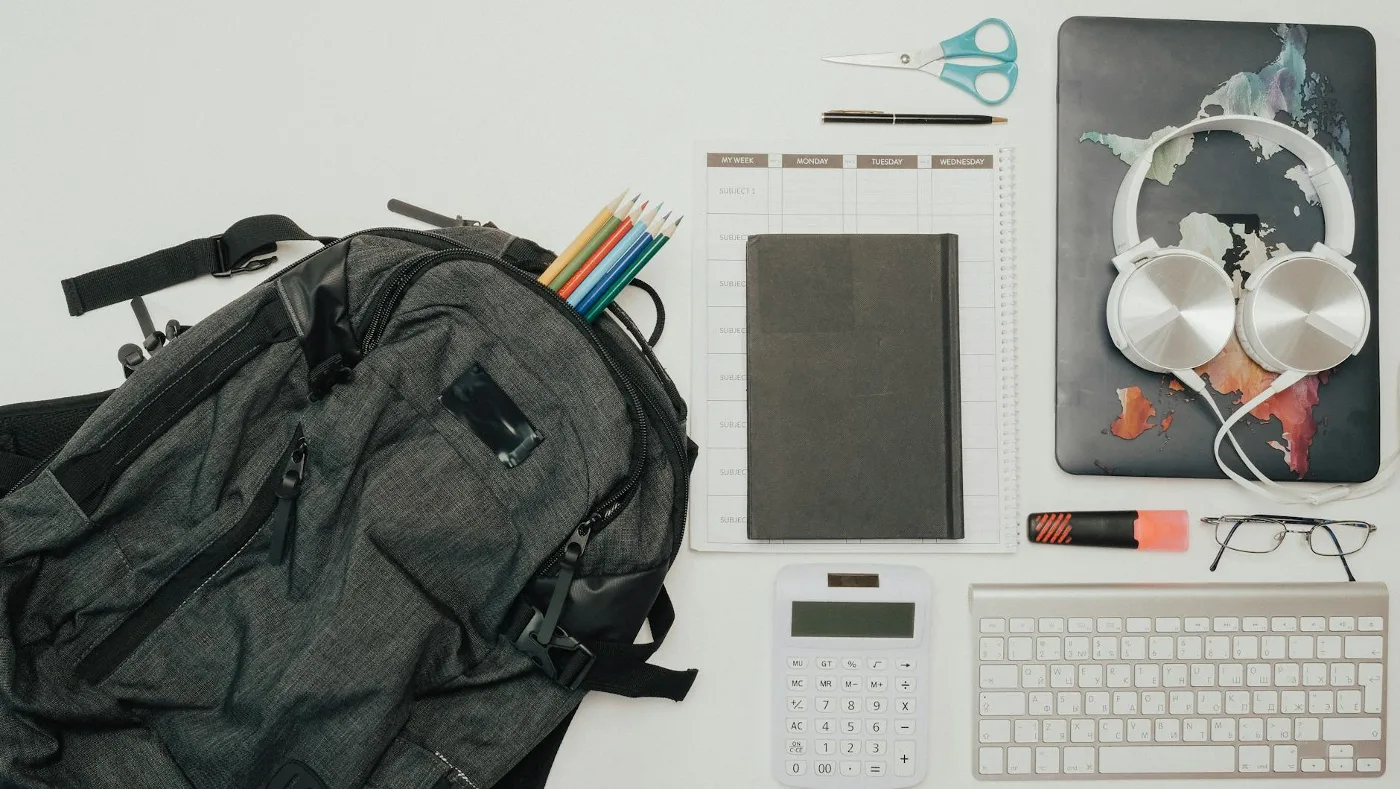
A custom laptop backpack is usually the best fit for people who want one bag to do three jobs at once: carry a laptop safely, keep daily essentials organized, and present well in work, school, or travel settings. The “custom” part can mean a monogram, logo, colorway, patch, or a fully personalized layout, but the right choice starts with function, not decoration. best backpack materials for daily carry offers more detail on this point. convertible laptop backpack offers more detail on this point. Best 15.6 Inch Laptop Backpack Guide offers more detail on this point.
If you are shopping for one, the main question is not just how it looks. It is whether the backpack fits your laptop, supports your carry habits, and holds up to commuting, office use, or frequent travel without becoming awkward or uncomfortable.
What makes a custom laptop backpack worth buying
A good custom laptop backpack should solve a real problem. For most people, that problem is carrying tech securely while keeping the bag useful in daily life. A model that looks polished but has poor padding, weak zippers, or awkward organization can become frustrating fast.
Customization adds another layer of decision-making. Some shoppers want a bag that feels personal. Others need a branded backpack for a team, small business, or event. In either case, the best results usually come from choosing a solid base bag first and then selecting the customization method that suits it.
The most useful custom laptop backpacks usually balance four things: device protection, comfort, organization, and appearance. If one of those areas is ignored, the bag tends to feel compromised.
Start with the laptop compartment, not the decoration
The laptop sleeve is the core feature, and it should match your device size and daily routine. A backpack that only “roughly” fits your laptop is not ideal, especially if you carry the bag through transit, offices, classrooms, or crowded spaces.
Look closely at how the compartment is built. A padded sleeve positioned near the back panel often feels more secure and helps keep the laptop closer to your body. That placement can also improve balance when the bag is full.
One common misconception is that any padded pocket is enough. In practice, protection depends on more than padding alone. The compartment should also limit movement, avoid sharp interior seams, and leave enough room for a slim case if you use one.
- Size fit: confirm the compartment matches your laptop class, not just the screen size label.
- Padding depth: thicker is not always better, but the sleeve should feel substantial and stable.
- Access: top, side, or clamshell access can matter depending on how often you remove your device.
- Stability: a secure fit matters more than extra empty space around the laptop.
Materials matter more than most buyers expect
Custom laptop backpacks vary widely in fabric and construction. Material choices affect durability, appearance, weight, weather resistance, and how the bag ages. For a bag that will be carried often, these trade-offs deserve attention.
Many shoppers focus on style first, but fabric and finishing details often determine whether the backpack still looks good after regular use. A refined finish can make a bag office-friendly, while a rugged textile can better suit commuting or travel.
- Polyester and nylon: commonly used for everyday backpacks because they are practical and relatively easy to maintain.
- Waxed or coated fabrics: can add weather resistance and a more structured look, though the feel may be less casual.
- Leather accents: can improve presentation, but they may require more care and can add weight.
- Canvas: often has a relaxed aesthetic, though it may need more attention in wet conditions unless treated.
Weather resistance is especially relevant in the United States, where a commute can involve rain, sudden weather changes, or long walks between buildings. A water-resistant finish does not make a backpack waterproof, but it can be a meaningful advantage for protecting electronics in everyday use.
Comfort is a practical requirement, not a bonus feature
Even a stylish backpack becomes a problem if it is uncomfortable after a full day. Comfort should be assessed the same way you would assess the laptop compartment: by fit and function, not by appearance alone.
Look for shoulder straps with enough padding to distribute weight without feeling stiff. A back panel with airflow channels or cushioning can help during longer wear, especially if you carry a charger, notebook, bottle, and other work essentials.
For heavier loads, the strap shape matters. Curved straps often sit better than flat ones, and a sternum strap can help with stability if you walk a lot or use public transit. These features are not necessary for everyone, but they become more valuable as the backpack’s contents get heavier.
A practical nuance: a custom backpack with strong branding or decorative elements can still be highly functional, but embellishments should not interfere with strap comfort, zipper movement, or back-panel support.
Organization should match how you actually use the bag
Many buyers overestimate how much organization they need, then end up with a bag full of pockets they never use. Others buy a minimalist design and later realize they need a place for chargers, cables, pens, badges, sunglasses, and documents.
The best layout depends on your routine.
- For office use: look for a laptop compartment, a document sleeve, and small pockets for daily carry items.
- For commuting: quick-access pockets and an easy-to-reach front compartment are often more useful than many small internal organizers.
- For travel: a luggage pass-through and a roomy main compartment can be more valuable than extra pen slots.
- For students: space for notebooks, chargers, and a water bottle usually matters more than a polished exterior alone.
Over-organization can be a hidden drawback. Too many narrow pockets can make the bag feel busy and harder to use. A well-designed custom laptop backpack usually gives you enough structure without turning every item into a separate chore.
Customization options: choose the method that fits the use case
“Custom” can mean very different things depending on the manufacturer or seller. Some options are subtle and professional, while others are more expressive or branding-focused.
Personalization for individual use
Monograms, initials, name patches, and color choices are common personalization options. These can make a backpack feel more distinct without affecting performance much. For a work bag, restrained customization often ages better than highly decorative details.
Branding for teams and businesses
If the backpack is for employees, events, or promotional use, logo placement and print durability become important. The design should still leave the bag usable in everyday settings. A backpack that looks good only in marketing photos can be less successful in actual use.
Panel and patch customization
Some bags support patch panels, Velcro surfaces, or removable name tags. These can be useful if you want a more flexible appearance or need to update branding later. They also reduce the risk of committing to a design that feels dated too quickly.
An overlooked consideration here is longevity. Some customization methods look sharp at first but may wear differently over time depending on the fabric, stitching, and placement. A subtle, well-integrated customization usually holds up better visually than a large graphic that dominates the bag.
Think through the setting where the backpack will be used
There is no single best custom laptop backpack for everyone because the right bag depends on context. A bag that works for an office commute may be a poor choice for weekend travel, and a student-friendly design may feel too casual in a client-facing setting.
For office and professional settings: choose cleaner lines, understated colors, and a shape that stands upright. A minimalist profile often reads more polished.
For commuting: prioritize comfort, weather resistance, and quick access. Reflective details can be useful if you travel early or late, though they are not necessary for everyone.
For travel: look for better compartment separation and compatibility with carry-on luggage. A backpack that opens wide can make packing and screening easier.
For school: durability and space often matter most. The bag should handle books, chargers, and everyday wear without looking overly formal.
Common mistakes to avoid
Buying a custom laptop backpack is easy to get wrong if you focus too heavily on appearance. The most common mistakes are practical ones.
- Choosing style before fit: if the laptop compartment is wrong, the backpack is wrong.
- Ignoring strap comfort: a bag can look refined and still feel tiring to carry.
- Overlooking weather exposure: electronics and paper goods need more protection than many shoppers assume.
- Picking too many pockets: excessive organization can reduce flexibility.
- Assuming all customization is equal: the durability of printing, embroidery, or patches can vary significantly.
- Forgetting about weight: some materials and structured designs add heft before you even load the bag.
Another real-world constraint is maintenance. Light-colored bags, textured fabrics, and decorative finishes can require more care than buyers expect. If the backpack is for daily commuting, an easier-to-clean surface may be the more sensible option.
How to narrow the options without overcomplicating the purchase
A practical way to choose a custom laptop backpack is to rank your needs in order of importance. Most buyers can narrow the field quickly by answering a few questions.
- What size laptop will I carry most often?
- Do I need a professional look, casual look, or branded presentation?
- How much comfort do I need for walking or commuting?
- Will I carry chargers, notebooks, bottles, or travel items regularly?
- Do I need weather resistance, luggage compatibility, or quick access?
- How visible should the customization be?
If two bags seem similar, choose the one with the better structure and hardware. Reliable zippers, secure stitching, and a balanced shape are usually more valuable than decorative extras.
Practical recommendations by buyer type
Best for professionals: a clean, structured backpack with subtle customization, a padded laptop compartment, and a streamlined front panel.
Best for commuters: a comfortable bag with strong straps, weather-resistant materials, and pockets that are easy to reach on the move.
Best for students: a spacious design with dependable organization, durable fabrics, and enough room for daily essentials beyond the laptop.
Best for business branding: a customizable backpack with a print or embroidery method suited to repeated use and a base style that still works outside promotions.
Best for travel: a model with stable structure, easy packing access, and enough room to serve as both a tech bag and an in-transit personal item.
Alternatives if a custom laptop backpack is not the right fit
Some shoppers discover that a laptop backpack is not the best match for how they carry. That is useful information, not a failure of the category.
If you want a more formal look, a laptop briefcase or messenger bag may fit your routine better. If your main goal is light daily carry, a sleeve inside another bag might be enough. If you need more travel capacity, a larger daypack or a rolling carry option may make more sense.
The key is to match the bag to your actual habits. A custom laptop backpack is a strong choice when you need portability, device protection, and everyday versatility in one piece.
For most buyers, the best custom laptop backpack is the one that disappears into the routine: it fits the laptop properly, feels comfortable enough to carry often, and looks appropriate for the places where it will be used. Customization should refine that experience, not distract from it.